Preview Open Graph Image Tags from Any URL
Paste a URL to inspect open graph image tag values and preview Facebook/X cards.
What is
Open graph image tag preview tools fetch your live HTML and show exactly how social crawlers interpret your og:title, og:description, and og:image meta properties. Each open graph image tag tells platforms like Facebook, LinkedIn, and X which title, description, and picture to display when someone shares your URL. Crawlers read these tags from your page head and generate a preview card—if an open graph image tag is missing or misconfigured, the resulting preview may show the wrong image, a truncated title, or no preview at all. Twitter Cards use twitter:image as a primary source but fall back to the open graph image tag when the Twitter-specific tag is absent, so previewing both ensures your link looks correct on every platform.
Open graph image tags explained
The Open Graph protocol defines several meta properties that control link previews. The og:url tag specifies the canonical URL of your page, while og:type indicates the content type such as website or article. The og:title and og:description open graph image tag values set the headline and summary text shown in the preview card. The og:image tag points to the preview image, and og:image:width and og:image:height tell crawlers the dimensions before downloading the file. For Twitter, the twitter:card tag defines the card style (summary or summary_large_image) and twitter:image provides a platform-specific image that takes priority over the open graph image tag. Setting all of these open graph image tag values ensures consistent, professional previews across every social network.
How to
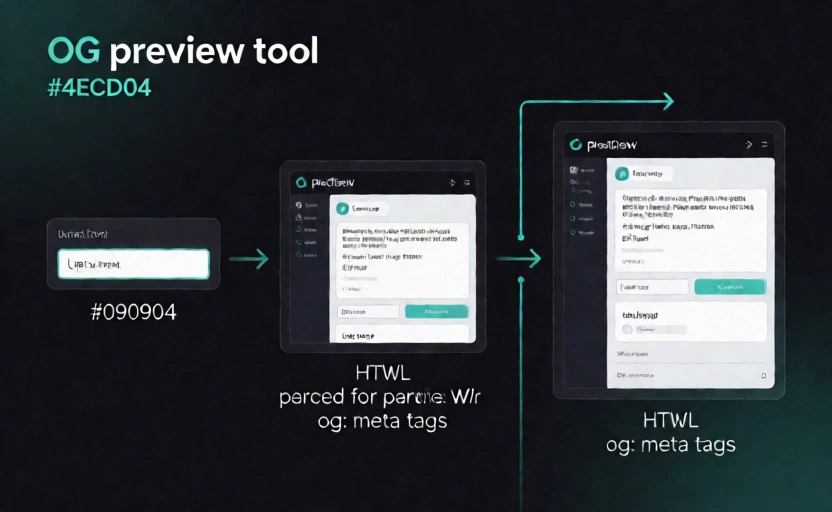
- Paste your page URL into the open graph image tag preview input field above.
- Click the preview button to fetch your page and parse every open graph image tag value from the HTML.
- Review the generated card mockup and the full tag list to spot any missing or incorrect open graph image tag entries.
- Fix any issues using our meta tag generator, then re-run the og image checker to confirm your changes are correct.
Why
Debugging open graph image tag issues before launch prevents embarrassing wrong images or missing previews when your page is shared in production. Social platforms cache open graph image tag data aggressively, so catching errors early with an og image tester saves you from waiting hours for a cache refresh after a fix. A properly configured open graph image tag also improves click-through rates by ensuring your link always displays the correct image, title, and description across every platform.