Generate og:image HTML and Open Graph Meta Tags
Generate og:image html and full Open Graph meta tags. Copy for Next.js, WordPress, and static sites.
<meta property="og:title" content="Page title for social sharing" />
<meta property="og:description" content="A concise description that appears when your link is shared on social networks." />
<meta property="og:image" content="https://ogimage.run/og.png" />
<meta property="og:url" content="https://example.com/page" />
<meta property="og:type" content="website" />
<meta property="og:site_name" content="ogimage.run" />
<meta property="og:image:width" content="1200" />
<meta property="og:image:height" content="630" />
<meta name="twitter:card" content="summary_large_image" />
<meta name="twitter:title" content="Page title for social sharing" />
<meta name="twitter:description" content="A concise description that appears when your link is shared on social networks." />
<meta name="twitter:image" content="https://ogimage.run/og.png" />
What is
Og:image html is a meta markup tag that tells social platforms which image URL to display when your page is shared as a link preview. It uses the meta property syntax <meta property="og:image" content="..."> and belongs inside the <head> section of your HTML document, alongside related tags like og:title and og:description. Together, these Open Graph tags form a complete block that social crawlers read to build your preview card on Facebook, LinkedIn, X, and other networks. Without proper markup, platforms have no reliable way to know which image represents your content, often resulting in missing or incorrect thumbnails when your links are shared.
og:image html code example
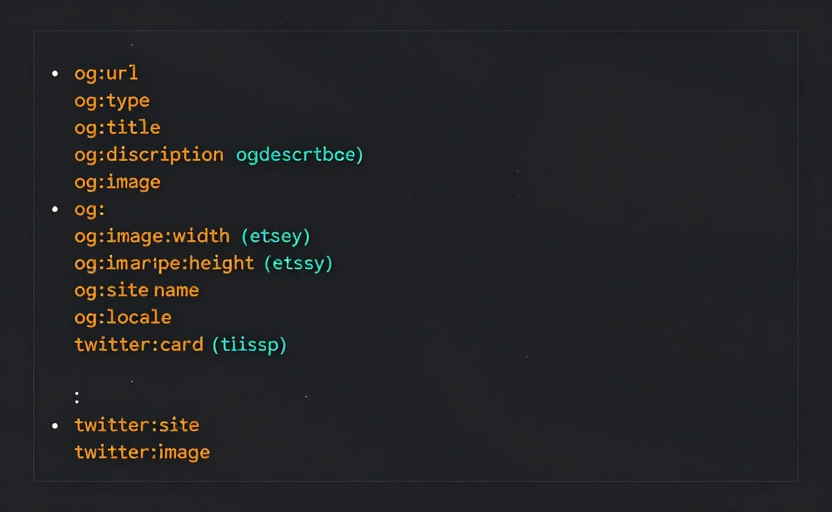
A complete Open Graph meta block typically includes og:url, og:type, og:title, og:description, og:image, og:image:width, og:image:height, twitter:card, and twitter:image tags. Each tag is a separate <meta> element inside your <head>, and together they give social crawlers everything needed to render your preview. In Next.js, you can generate this og:image html automatically using the metadata export, while WordPress plugins like Yoast and Rank Math provide dedicated fields that output the same tags. Our generator produces a ready-to-paste snippet with all required properties, so you never have to write the markup by hand.
How to
- Fill in your page title, description, and image URL in the form above to generate the meta tag block.
- Copy the complete meta tag output that the generator produces, including all Open Graph and Twitter Card tags.
- Paste the markup into your site <head> section or into your CMS SEO settings panel.
- Preview the live URL with our validation tool to confirm that social crawlers read your tags correctly.
Why
Hand-written meta markup is error-prone—missing quotes, wrong property names, and HTTP URLs are common mistakes that break link previews. A generator ensures correct quoting, HTTPS enforcement, and Twitter fallback tags so your markup works on every platform. Using a generator also enforces the standard og:image:width and og:image:height values, which help crawlers render previews faster and more reliably across all social networks.