Your Page Title
A short subtitle for social previews
Free og image template collection for blogs and SaaS. Customize and export 1200×630.
Your Page Title
A short subtitle for social previews
Your Page Title
A short subtitle for social previews
Blog Post Title
Published on ogimage.run
Product Name
Ship faster with a better link preview
Story Headline
Read the full article
Launch Announcement
1200×630 Open Graph ready
An og image template is a pre-designed layout for Open Graph images that gives you a ready-made structure for titles, subtitles, brand colors, and logos. Instead of starting from a blank canvas, a template lets you pick a proven design and swap in your own content—dramatically speeding up production for teams that publish many pages across multiple channels. Using templates also ensures brand consistency across every share, because each image follows the same visual system and dimensions, so your audience always recognizes your content at a glance. Whether you are creating a single landing page preview or hundreds of blog post thumbnails, a template removes the design barrier and keeps your social cards looking professional every time someone shares your content on Facebook, LinkedIn, X, or Discord.
Our gallery organizes layouts into categories tailored to different use cases and content types. Blog templates feature large headline areas and subtle gradients that make article titles pop in social feeds, perfect for publishers who post frequently and need a consistent look across dozens of articles. SaaS and product templates emphasize your brand name, tagline, and logo with clean layouts optimized for conversion and click-through from social shares. Minimal templates strip away decoration for a focused, text-driven look that works across any industry or content type without distracting from your message. Dark template options use deep backgrounds with light text for high contrast—ideal for developer tools and tech brands that want a sleek appearance in link previews on X, LinkedIn, and Discord.
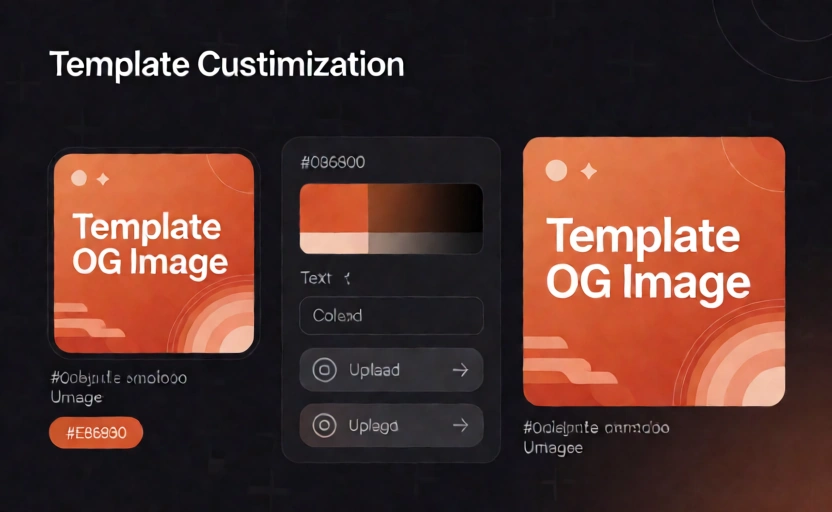
Templates accelerate production—instead of designing each social card from scratch, you start with a proven layout and customize it in seconds. They enforce brand consistency across every URL you publish, so all your link previews share the same visual language and dimensions, which builds trust and recognition with your audience over time. By removing the design barrier, a template lets content writers and marketers create professional social cards without needing a designer or specialized design software, freeing up creative resources for higher-priority work across your organization.