Free OG Image Generator for Social Link Previews
Free og image generator for 1200×630 Open Graph images. Templates, instant preview, no signup.
Choose a template

Why Choose ogimage.run?
Everything you need to create stunning social media images in seconds
How to Add Open Graph Image
Add social media preview images to your website in minutes. Choose your preferred method below (HTML or Next.js App Router).
Pro Tips
- Always provide fallback images in case the OG image fails to load
- Test your OG images using social media debugging tools
- Use descriptive alt text for better accessibility
- Consider using dynamic OG images for content that changes frequently
Learn More
What is
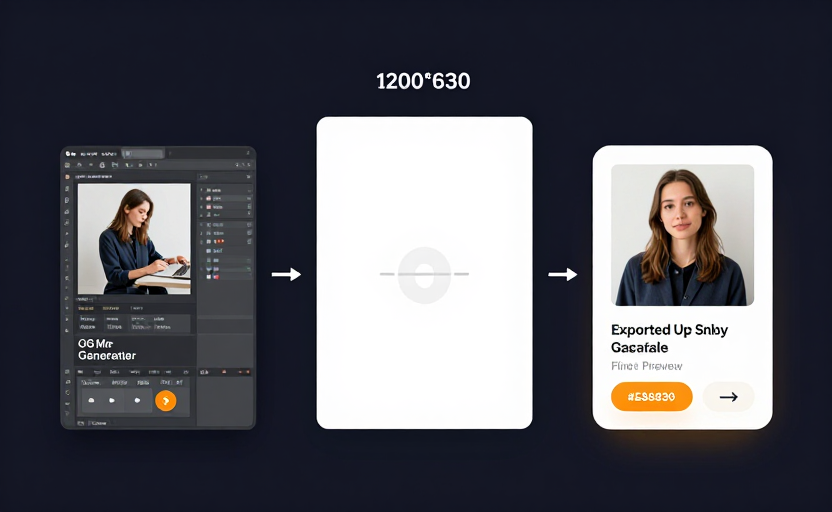
An og image generator builds the 1200×630 image that appears when your links are shared on social networks. Open Graph images improve click-through rates and keep your brand consistent across Facebook, LinkedIn, X, and more. When someone pastes your URL into a chat or social post, the platform fetches the og:image tag from your HTML and displays the referenced image as a preview card. If no og:image is set, platforms may choose a random image from the page—or show no image at all. An og image generator is purpose-built for this format—unlike general design tools, it outputs the exact dimensions and aspect ratio that social platforms expect, with real-time preview so you can see exactly how your link will look before exporting. Without an og image generator, you would need to manually create images at 1200×630, test them across multiple platforms, and adjust cropping—our tool handles all of that automatically.
Why use an og image generator
A dedicated og image generator saves time versus generic design tools and keeps every page share-ready without a designer. Templates give you a head start with proven layouts for blogs, SaaS products, and personal brands. The og image generator handles the correct 1200×630 dimensions automatically—no manual resizing needed. Export PNG for maximum compatibility or WebP for smaller file sizes. Every image from the og image generator is ready to upload and use with your meta tags. Instead of opening a design application, setting a custom canvas, exporting, and then separately writing the meta tags, you can complete the entire workflow in one place with our og image generator. The preview shows exactly how your image will render on Facebook, X, LinkedIn, and other platforms before you download.
How to
- Open the free og image generator below.
- Choose a template or set title, subtitle, and colors to match your brand.
- Optionally upload a logo to personalize your og image.
- Preview at 1200×630 in real time—adjust until it looks perfect.
- Download PNG or WebP from the og image generator.
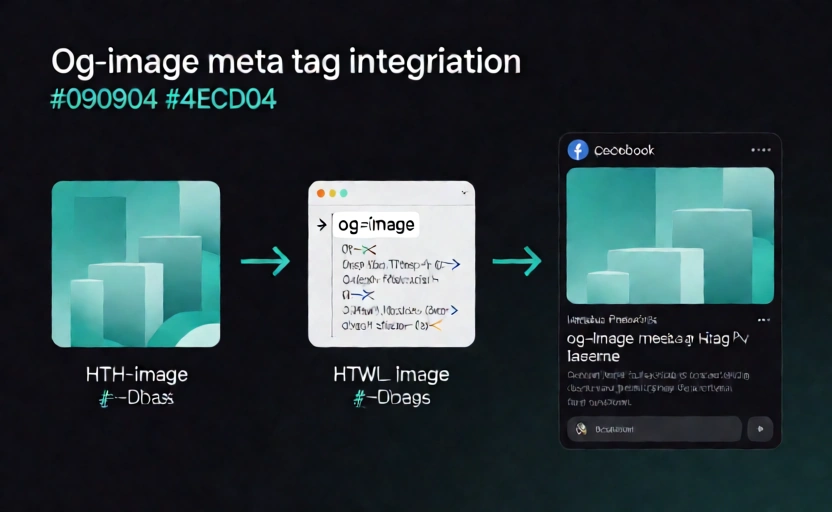
- Add og:image HTML with our meta tag tool and validate with the preview tool.
Why
Links with properly sized og images receive 2–3× more engagement than those without. An og image generator ensures consistent branding across every share, prevents the wrong image from appearing in previews, and eliminates the need to manually resize images for each platform. When you publish a new blog post or landing page, using an og image generator means you can create a matching social preview in seconds rather than minutes. The og image generator also helps teams maintain visual consistency—every preview image follows the same template and dimensions, whether it is created by a designer or a content writer. Whether you manage a blog with hundreds of posts or a SaaS product with dozens of landing pages, an og image generator streamlines your workflow and ensures every URL looks professional when shared on Facebook, LinkedIn, X, Discord, or Slack. A well-crafted og image can be the difference between a link that gets clicked and one that gets scrolled past—investing a few seconds in an og image generator pays off every time someone shares your content.