OG Image Size and Dimensions for Social Previews
Check og image size for every platform. Free calculator with 1200×630 presets.
1200 × 630
Recommended og image size for Facebook / Meta · aspect 1.91:1
| Platform | og image size | Ratio |
|---|---|---|
| Facebook / Meta | 1200×630 | 1.91:1 |
| X (Twitter) | 1200×675 | 16:9 |
| 1200×627 | 1.91:1 | |
| Discord | 1200×630 | 1.91:1 |
| Slack | 1200×630 | 1.91:1 |
Last updated: March 2026. Verify against official platform docs before publishing.
What is
Og image size refers to the dimensions of the image specified in the og:image meta tag—the picture shown when your URL is shared on social networks. The standard og image size is 1200×630 pixels with a 1.91:1 aspect ratio, recommended by Facebook and adopted by LinkedIn, Discord, Slack, and most messaging apps. The Open Graph protocol defines og:image:width and og:image:height properties that tell crawlers the dimensions before downloading the file, which speeds up preview rendering. Getting the og image size right prevents unwanted cropping, blurry thumbnails, and black bars in link previews. When you share a link, the platform fetches your page and reads the og:image tag along with og:image:width and og:image:height to determine how to display the preview. If the og image size does not match the platform expectations, the image may be stretched, cropped, or shown with black bars. Different platforms may render the same image slightly differently—Facebook and LinkedIn center-crop to 1.91:1, while X uses a 16:9 ratio—so understanding og image dimensions for each platform is essential for consistent branding across all social channels.
OG image size by platform
The table below shows the recommended og image size, minimum dimensions, and safe area for every major platform. Use these dimensions as your reference when designing link preview images. The og image size you choose directly affects how your content appears in feeds—an incorrect og image size leads to cropping or blurry previews. All sizes are in pixels. Last updated: July 2026. Sources: Facebook Sharing Best Practices, Twitter Card Docs, LinkedIn Marketing Solutions, Discord Embed Documentation.
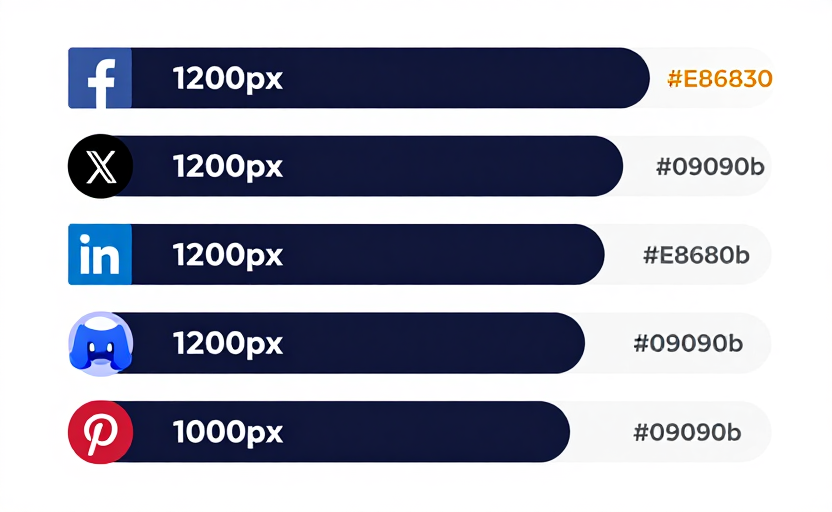
| Platform | Recommended | Minimum | Ratio | Safe Zone |
|---|---|---|---|---|
| 1200×630 | 600×315 | 1.91:1 | 80px edges | |
| X (Twitter) | 1200×675 | 600×335 | 16:9 | 70px edges |
| 1200×627 | 600×314 | 1.91:1 | 80px edges | |
| Discord | 1200×630 | 400×210 | 1.91:1 | 60px edges |
| Slack | 1200×630 | 400×210 | 1.91:1 | 60px edges |
| 1000×1500 | 600×900 | 2:3 | N/A | |
| iMessage | 1200×630 | — | 1.91:1 | 80px edges |
| 1200×630 | — | 1.91:1 | 60px edges |
How to
- Select your target platform to see the recommended og image size and aspect ratio.
- Note the dimensions: 1200×630 for most platforms, 1200×675 for X, or 1000×1500 for Pinterest.
- Design within the safe area—keep text and logos at least 80 pixels from each edge.
- Use our free og image generator to create your image at the correct og image size automatically.
- Add og:image:width and og:image:height meta tags to match your dimensions using our meta tag tool.
- Validate your og image size with our preview tool before publishing.
Why
Using the correct og image size ensures your link previews look sharp and professional on every platform. An incorrect size causes cropping—Facebook and LinkedIn will center-crop images that do not match 1.91:1, potentially cutting off headlines or logos. Undersized images result in blurry or small thumbnails that reduce click-through rates. Studies show that links with properly sized og images receive 2–3× more engagement than those without. The og image size also affects how your brand is perceived—distorted or cropped previews look unprofessional and reduce trust. Setting the right dimensions improves page load speed for social crawlers when you include og:image:width and og:image:height, since they can skip downloading the image to determine its size. For teams managing multiple pages, standardizing on the recommended og image size of 1200×630 simplifies the workflow and ensures consistency across every share.
Common og image size mistakes
Using an og image size that is too small (below 600×315) results in tiny or blurry thumbnails on Facebook and LinkedIn. Choosing the wrong aspect ratio causes center-cropping—text near the edges will be cut off. Forgetting to add og:image:width and og:image:height meta tags forces crawlers to download the full image just to determine the og image size, slowing down preview generation. Ignoring the safe area means logos or headlines may disappear when platforms crop to their preferred ratio. Using a vertical image on platforms that expect the standard og image size creates large black bars above and below the preview. Another common mistake is using the same og image size for Pinterest pins—Pinterest requires a vertical 2:3 ratio (1000×1500), not the typical 1.91:1. Always design at the recommended og image size and test with our preview tool before publishing.